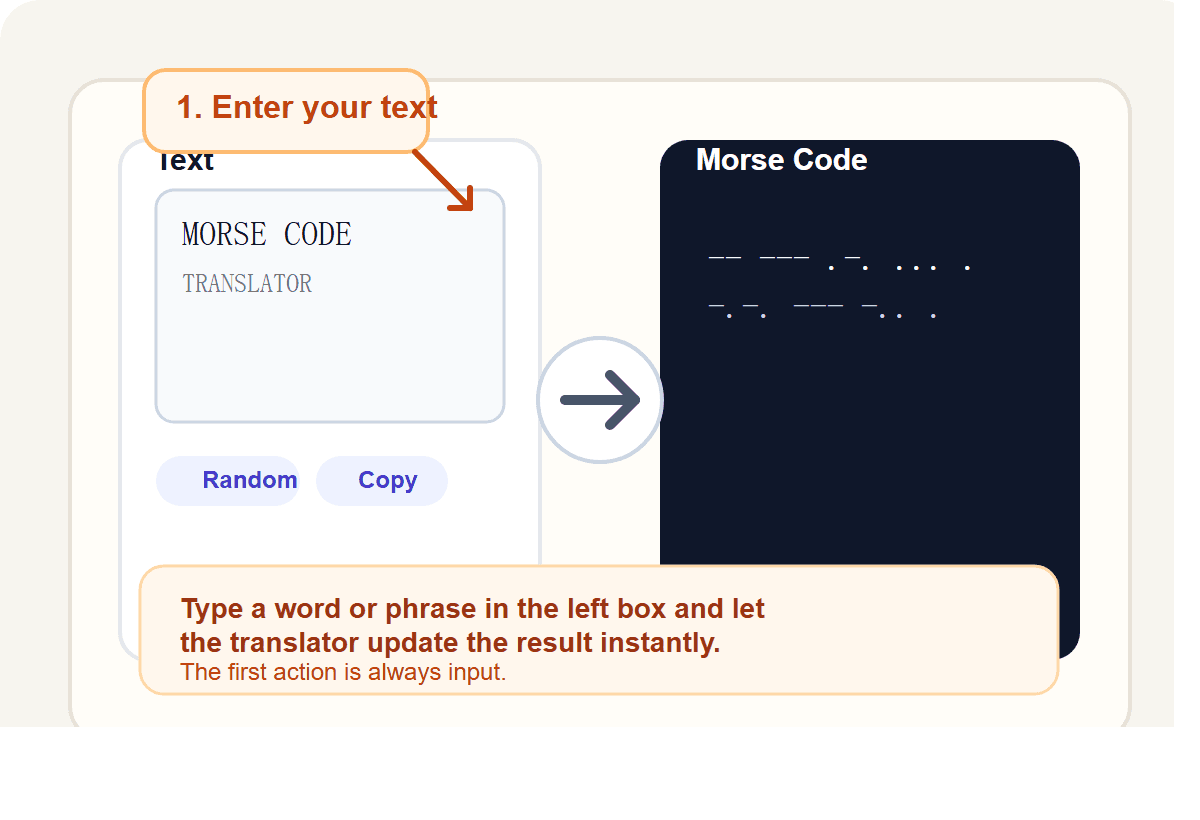
Enter text or Morse code
Start in the left panel. Type a word, phrase, or Morse sequence and let the tool update the result immediately.

Online tool
Quick answer
A Morse code translator is a tool that converts plain text into dots and dashes, or decodes dots and dashes back into readable text. The most useful Morse code translator also lets you hear the signal, check the chart, and share the exact result.
Visual guide
These illustrations explain the main workflow and the most important buttons. They make the homepage easier to scan and give users a faster path into the tool.
Start in the left panel. Type a word, phrase, or Morse sequence and let the tool update the result immediately.
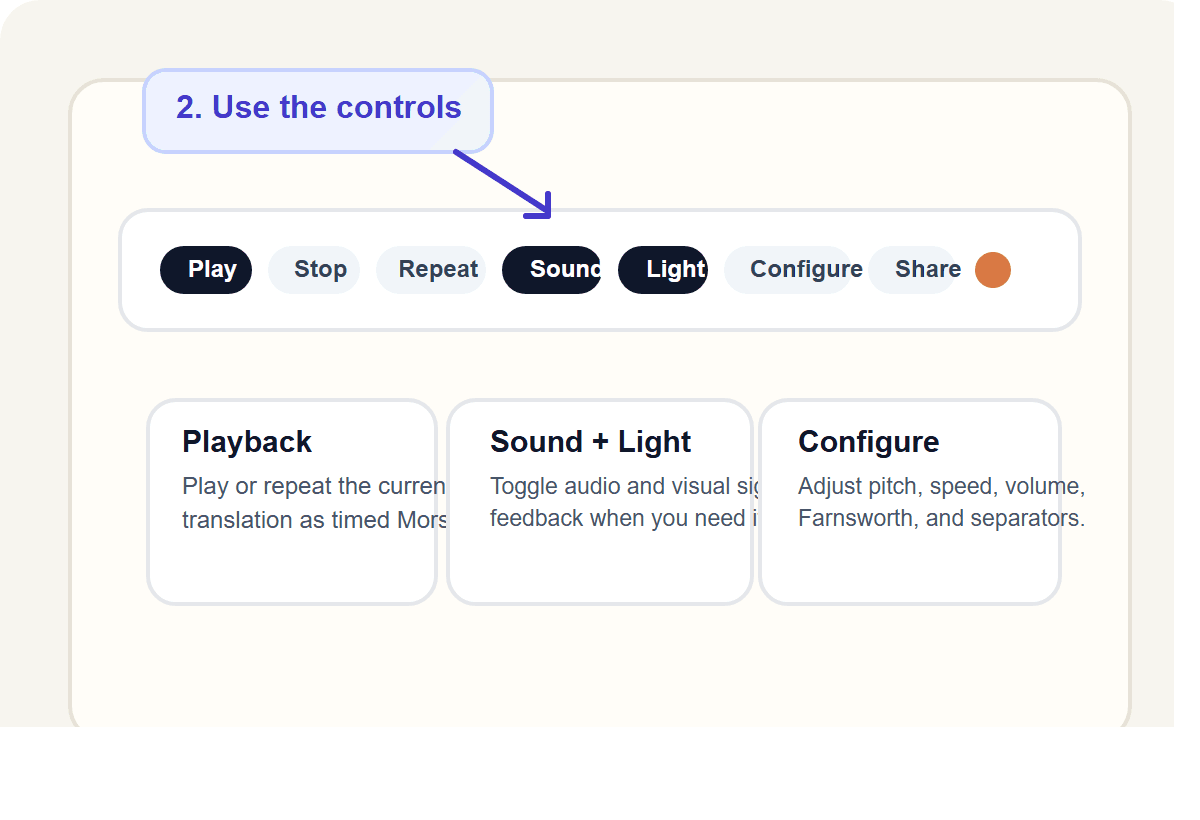
Play, stop, repeat, toggle sound and light, or open Configure when you want to adjust speed, pitch, or separators.
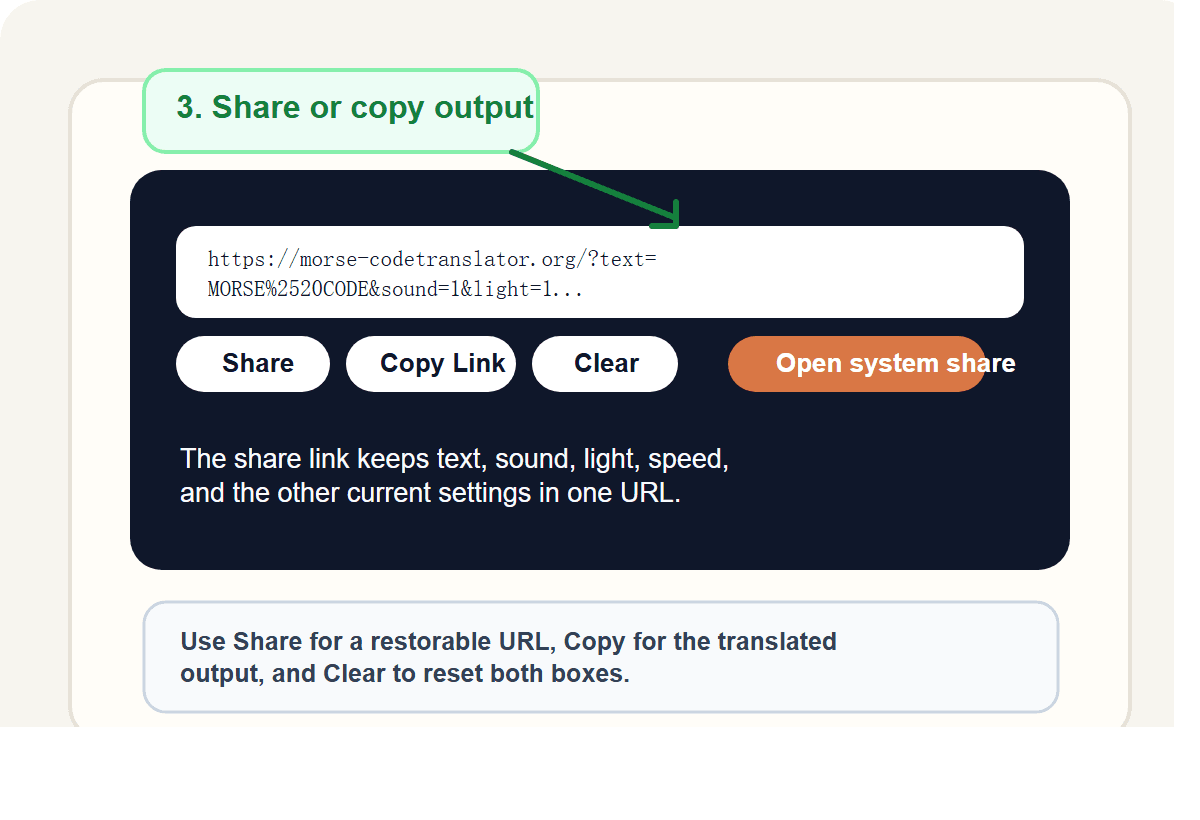
Use Share to keep the current settings in a link, Copy for the translated output, and Clear when you want to start over.
Translator overview
Most users landing on a Morse code translator homepage are trying to do one thing fast: convert text to Morse code, decode Morse code to text, or verify a pattern they already have. That is why the translator sits at the top of the page instead of being buried under generic copy.
At the same time, a strong homepage should do more than expose a text box. It should help users understand spacing, playback, chart lookup, and common formats such as letters, digits, and short phrases. That combination is what turns a simple converter into a more useful Morse code tool.
This homepage is also designed to support adjacent search intent around Morse code chart, text to Morse code, Morse code to text, Morse alphabet lookup, and beginner learning queries. In practice, that means the page works as both a primary tool page and an internal hub for the rest of the site.
Use the same interface for text to Morse code and Morse code to text so encoding and decoding happen in one workflow.
Preview each result as sound or as a flashing signal when you want to practice timing, rhythm, and recognition.
Keep letters and numbers close to the tool so the page works as a reference and not just a converter.
Move from the homepage into dedicated letter, number, word, and phrase pages when you need a direct answer like A in Morse code or 5 in Morse code.
Spaces between letters and slashes between words make the output easier to copy, study, and compare.
Quick explanations, workflow steps, and FAQs reduce confusion without turning the page into filler.
Why use this Morse code translator
Most visitors want one of four things from a Morse code translator: convert plain text into Morse code, decode dots and dashes into readable text, verify a single symbol, or understand how Morse formatting works before they share or practice a message. This homepage is built to support those tasks in one place, while still linking cleanly into more focused pages when the user needs a chart, a letter lookup, a number lookup, or a learning article.
Morse code translator reference
| A | .- | B | -... | C | -.-. | D | -.. |
| E | . | F | ..-. | G | --. | H | .... |
| I | .. | J | .--- | K | -.- | L | .-.. |
| M | -- | N | -. | O | --- | P | .--. |
| Q | --.- | R | .-. | S | ... | T | - |
| U | ..- | V | ...- | W | .-- | X | -..- |
| Y | -.-- | Z | --.. | 1 | .---- | 2 | ..--- |
| 3 | ...-- | 4 | ....- | 5 | ..... | 6 | -.... |
| 7 | --... | 8 | ---.. | 9 | ----. | 0 | ----- |
How to use this Morse code translator
Type a word, phrase, or a sequence of dots, dashes, spaces, and slashes in the input field.
The Morse code translator updates instantly so you can confirm the pattern, spacing, and word breaks before copying anything.
Use sound and light playback, then change controls if you want to study timing instead of only reading the symbols.
If the result raises a new question, jump into the chart, a focused tool page, or a learning article without leaving the main Morse code workflow.
Explore more
Use the homepage as the main Morse code translator, then move into grouped reference pages for letters, numbers, words, and learning content. This keeps the launch architecture tight without removing useful supporting pages.
FAQ
A Morse code translator converts plain text into dots and dashes, or decodes dots and dashes back into readable text.
Yes. This Morse code translator lets you switch direction inside the same tool, which makes it useful for both encoding and decoding.
Yes. The tool supports common Morse code lookup and conversion tasks for letters, digits, words, and short phrases, and the site also includes dedicated reference pages for many of those queries.
Yes. The Morse code translator supports letters, digits, and common punctuation used in standard Morse references.
Letters are separated by spaces and words are separated with a forward slash in the output format used by this Morse code translator.
Yes. The homepage includes a Morse code chart section so users can translate and verify symbols on the same page instead of opening a separate resource immediately.
Use the homepage when you want the full translator first. Use the chart page for quick scanning, and use a dedicated symbol or word page when you want a direct answer for one query such as a single letter, number, or phrase.